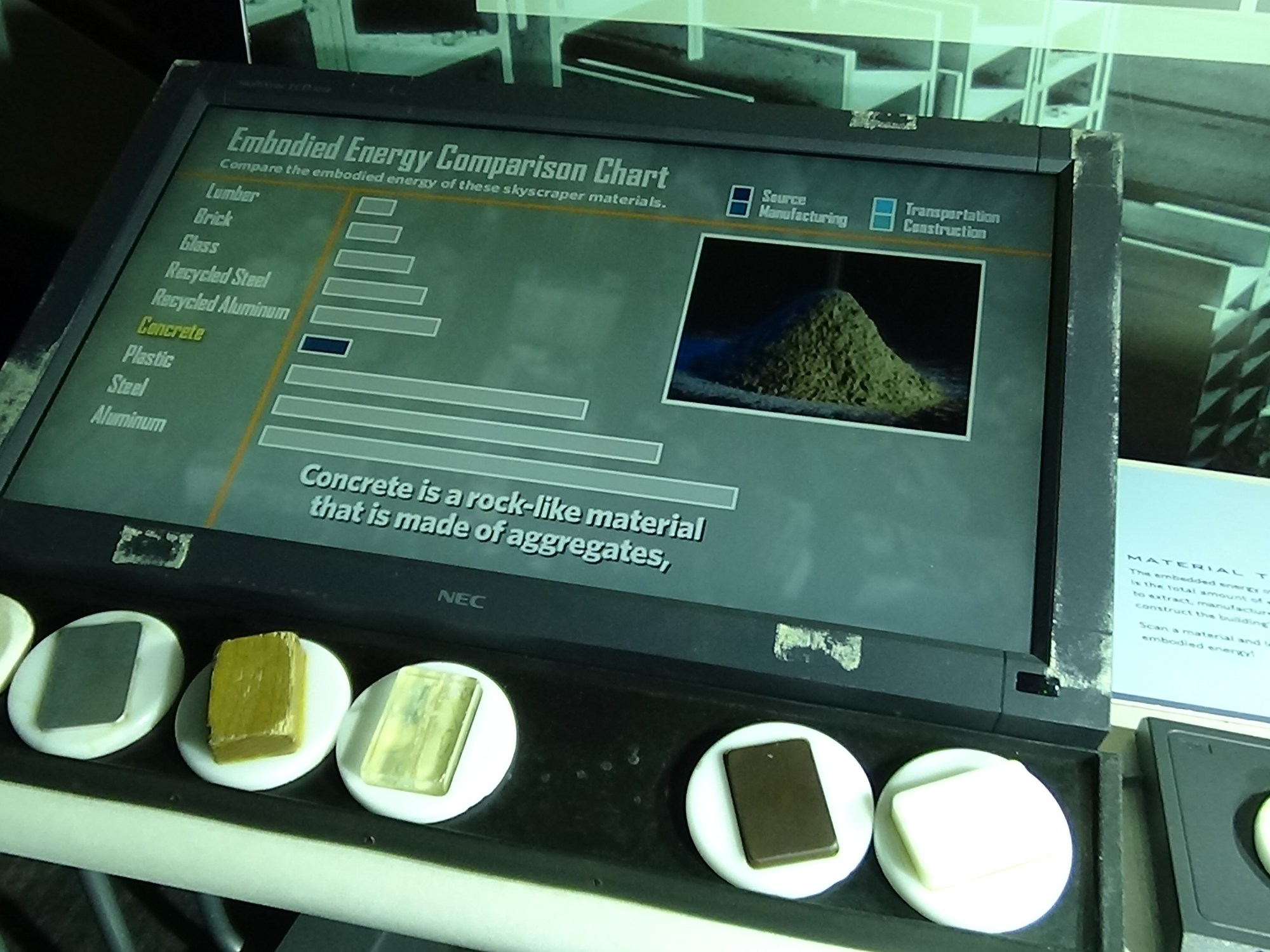
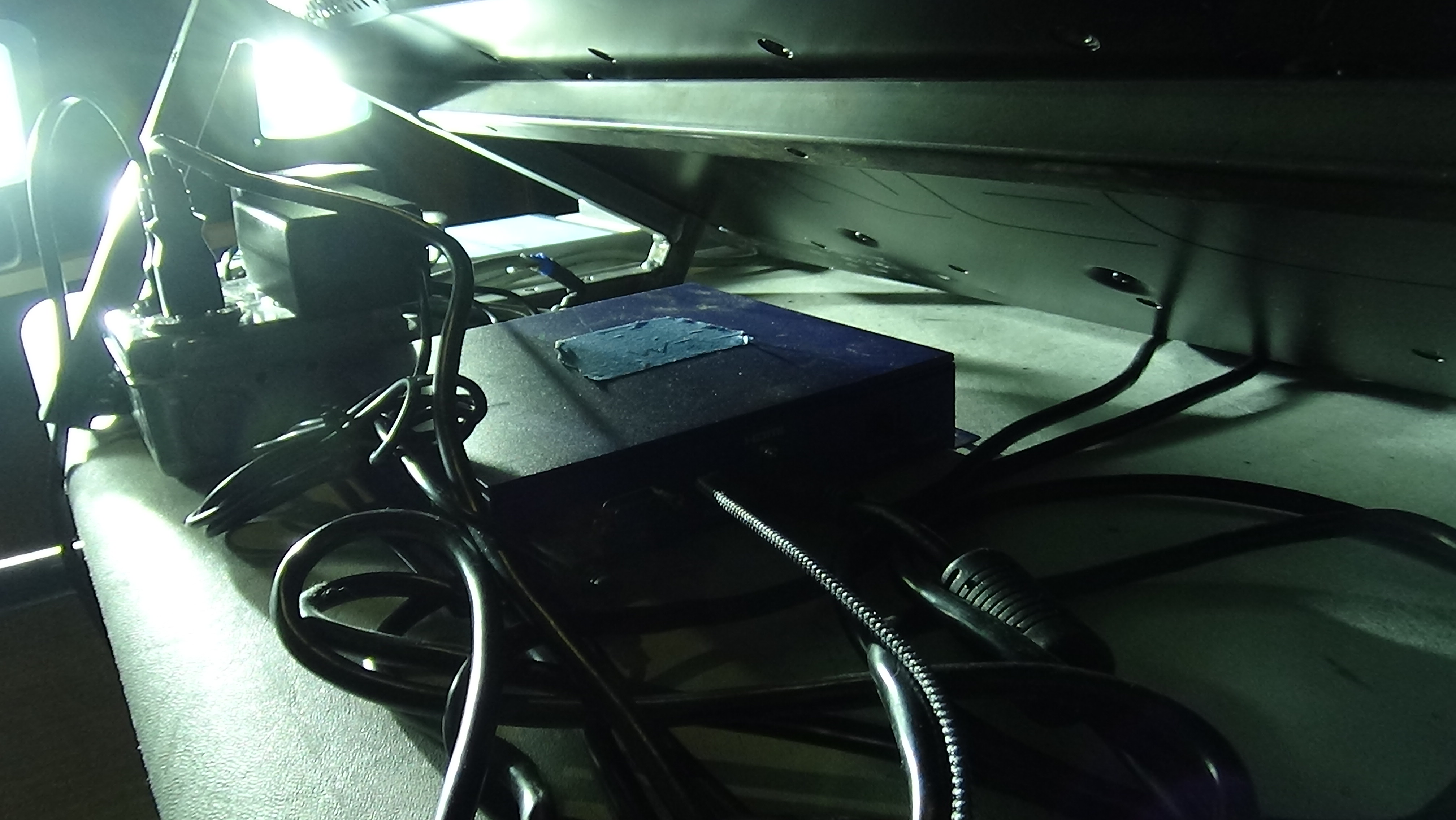
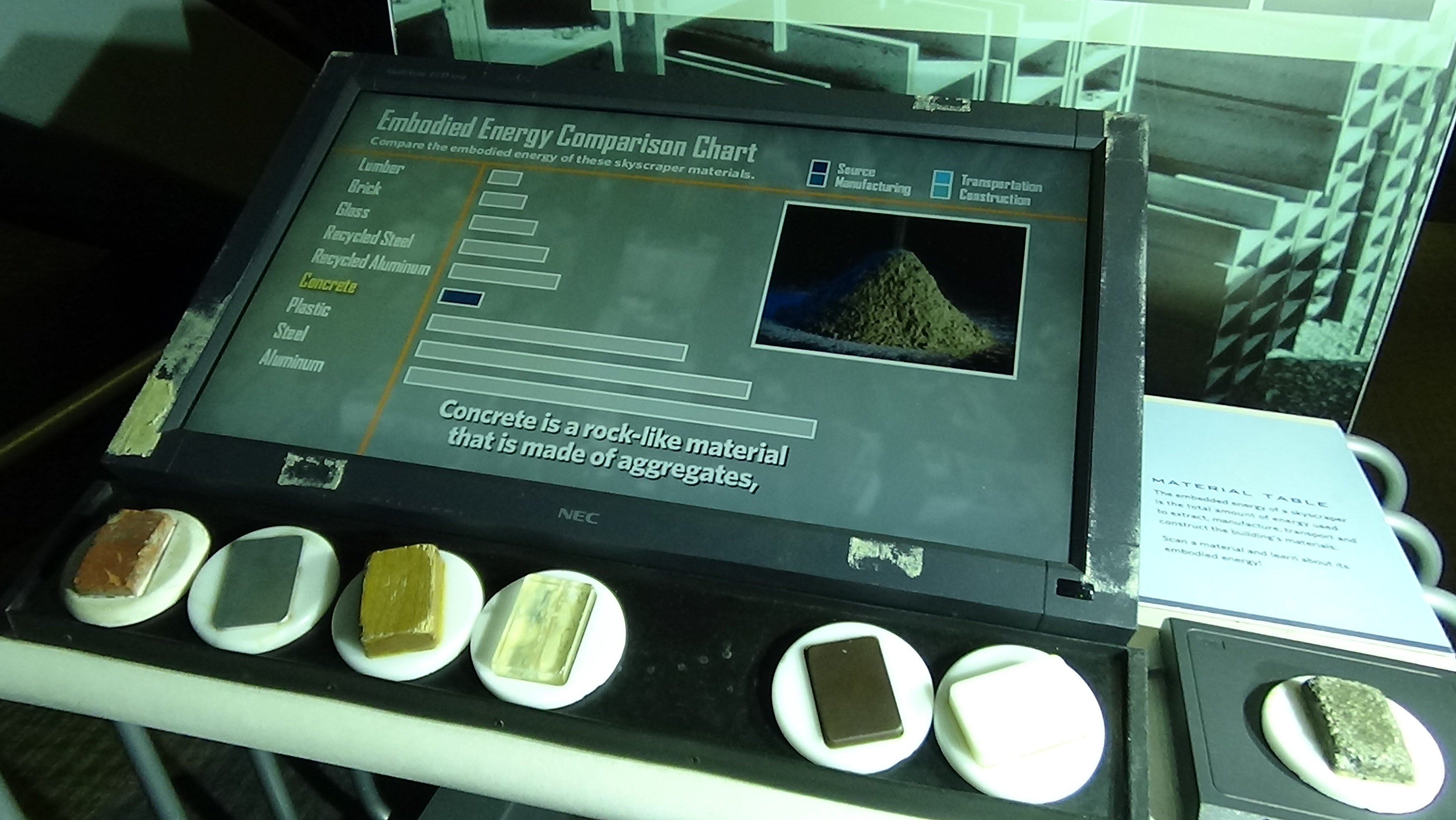
Material Table is an exhibit in the Skyscraper! Exhibition at Liberty Science Center. When I joined LSC it had issues with video and sound quality, stemming mostly from the wiring in between the server in the IDF room and the exhibit itself. There was also the complicated process of updating the server with new RFID tag IDs, as the tags on the bottom of the “material” disk would often go missing, or sometimes even the entire disk would go missing or be severely damaged. To solve both of these I ported the exhibit over to a Bright Sign unit that could be right under the screen, and set it up so that changing tag IDs only involved changing a text file on the Bright Sign’s SD card. Here’s the exhibit now running on a Bright Sign:
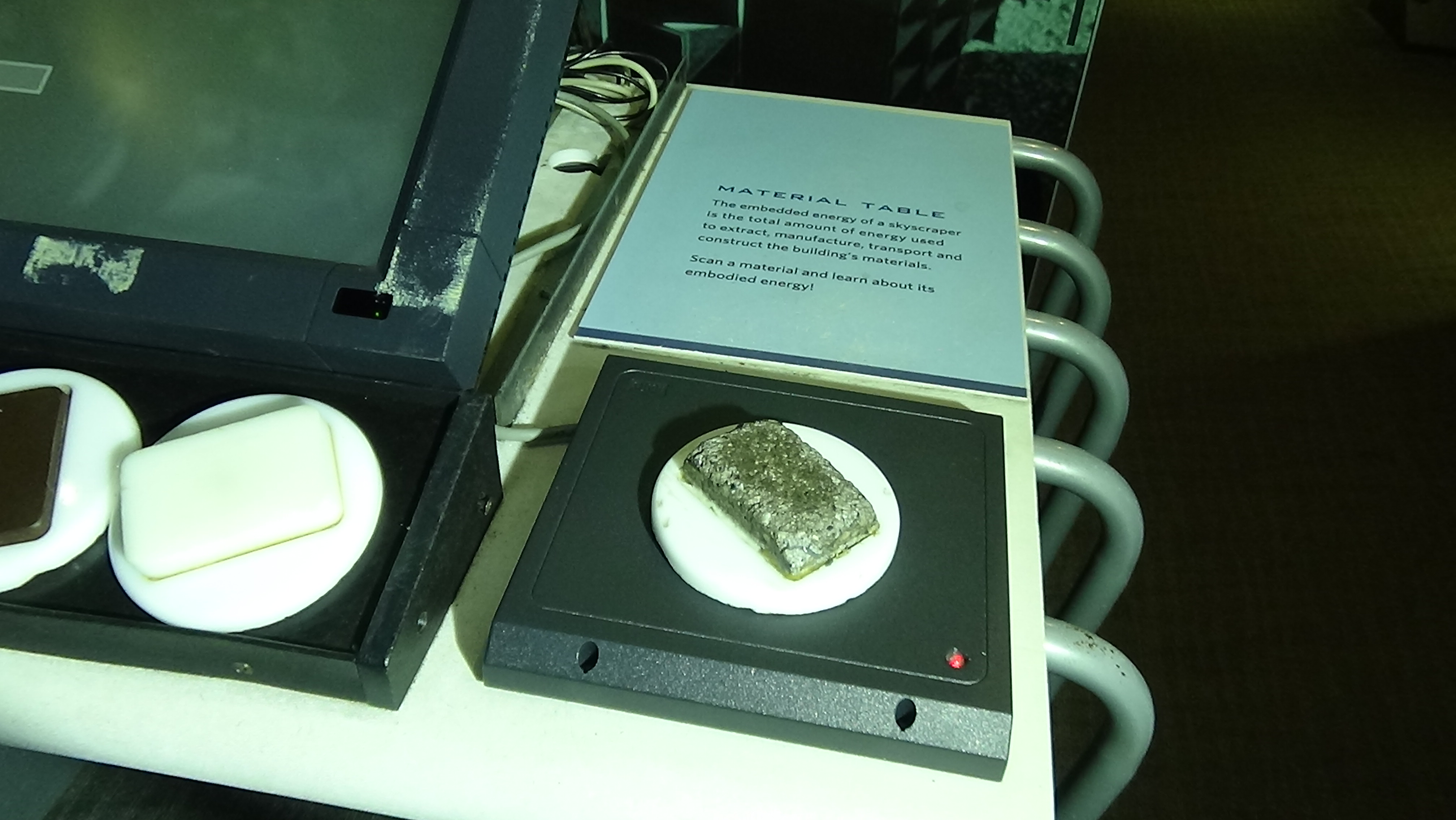
Each “material” is on a white plastic disk, the underside of which has an attached RFID tag. These are picked up by the RFID reader on the right of the exhibit. That MR-1824-MC reader from AWiD can be wired for RS-232 output, which works with the RS-232 port on the Bright Sign.
The video and audio are clear, and new IDs are easy to set as needed. It was important to create a simple process so any new staff could easily do it. To set IDs you only need to edit the correct line in this file:
name,RFID,video
aluminum,ED0341800000000000,vid00001.mpg
brick ,ED0345C00000000000,vid00002.mpg
concrete,ED033BC00000000000,vid00003.mpg
glass ,ED033A800000000000,vid00004.mpg
lumber ,ED033E000000000000,vid00005.mpg
plastic ,ED0343C00000000000,vid00006.mpg
steel ,ED033B000000000000,vid00007.mpg
For Bright Sign projects you have the options of using their Bright Author designer, writing your own Bright Script, or since it can run even local HTML and JS you can code in that. For this project I wrote just enough Bright Script to initialize things including the serial port for the reader, and then piped everything to locally running JS found on the SD card. All files (except the vids) running on the Bright Sign can be found here: https://github.com/bobparadiso/LSC_MatTable

 Bob's Electronics Projects